 EasyLife
Tasks – Organize Your Tasks
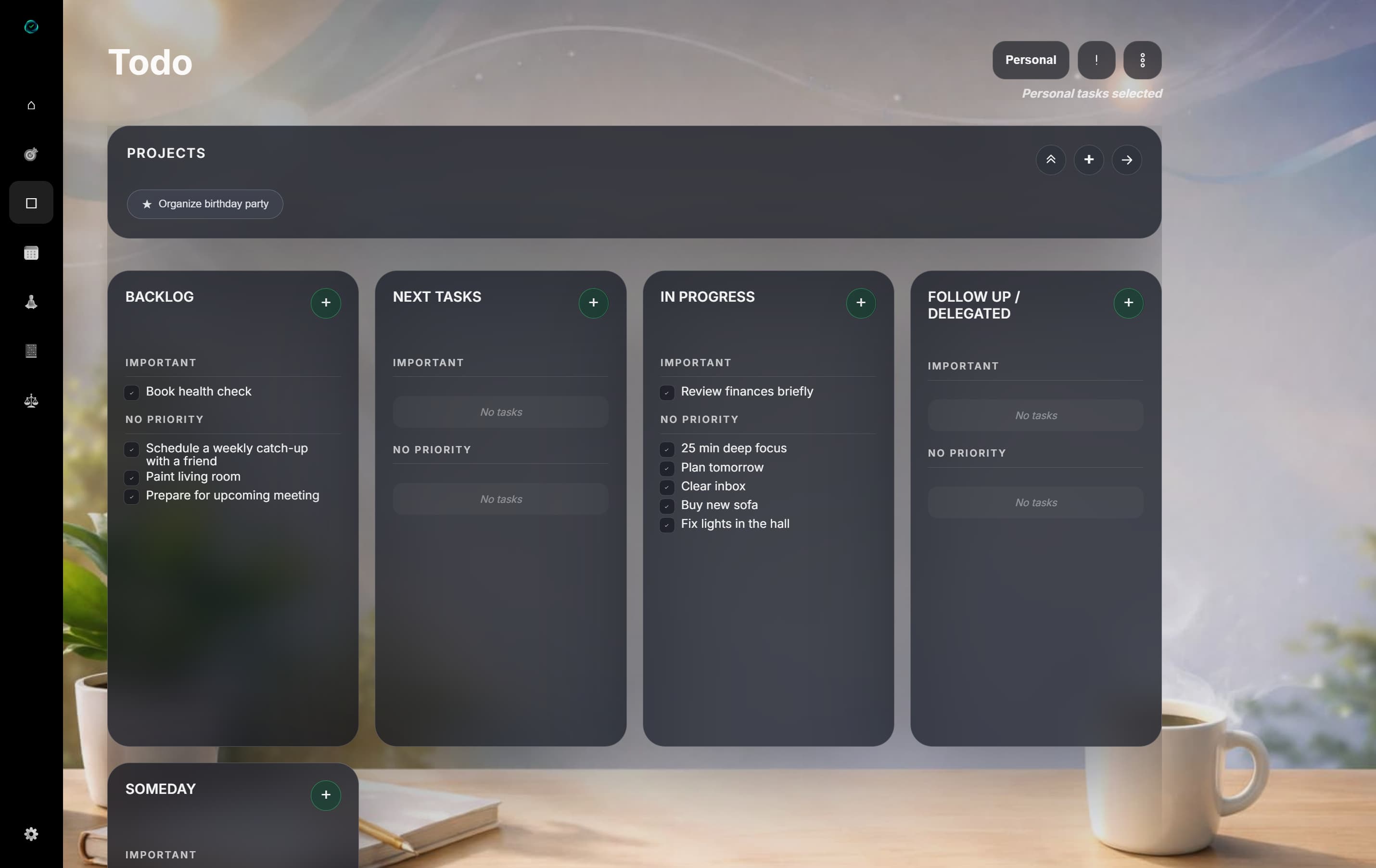
Take full control of your tasks with EasyLife's Kanban-inspired board
EasyLife's task system uses a Kanban-inspired board with the columns Backlog, Today and Completed. Drag tasks between columns as you work through them.
Organize your tasks into projects, filter by category, and focus on what matters most. Whether you're planning your workday or keeping track of personal tasks, EasyLife gives you the tools you need.
Add a task
Click the add button to create a new task. Give it a title, optional description, deadline and priority.
New tasks automatically land in the Backlog column, so you always have an overview of everything that needs to be done.
Move to today
Drag a task from Backlog to Today when you're ready to work on it. This also shows it in the Focus Tasks widget on your dashboard.
View options
Choose between Simple, Pro and Week views to find the layout that works best for you.
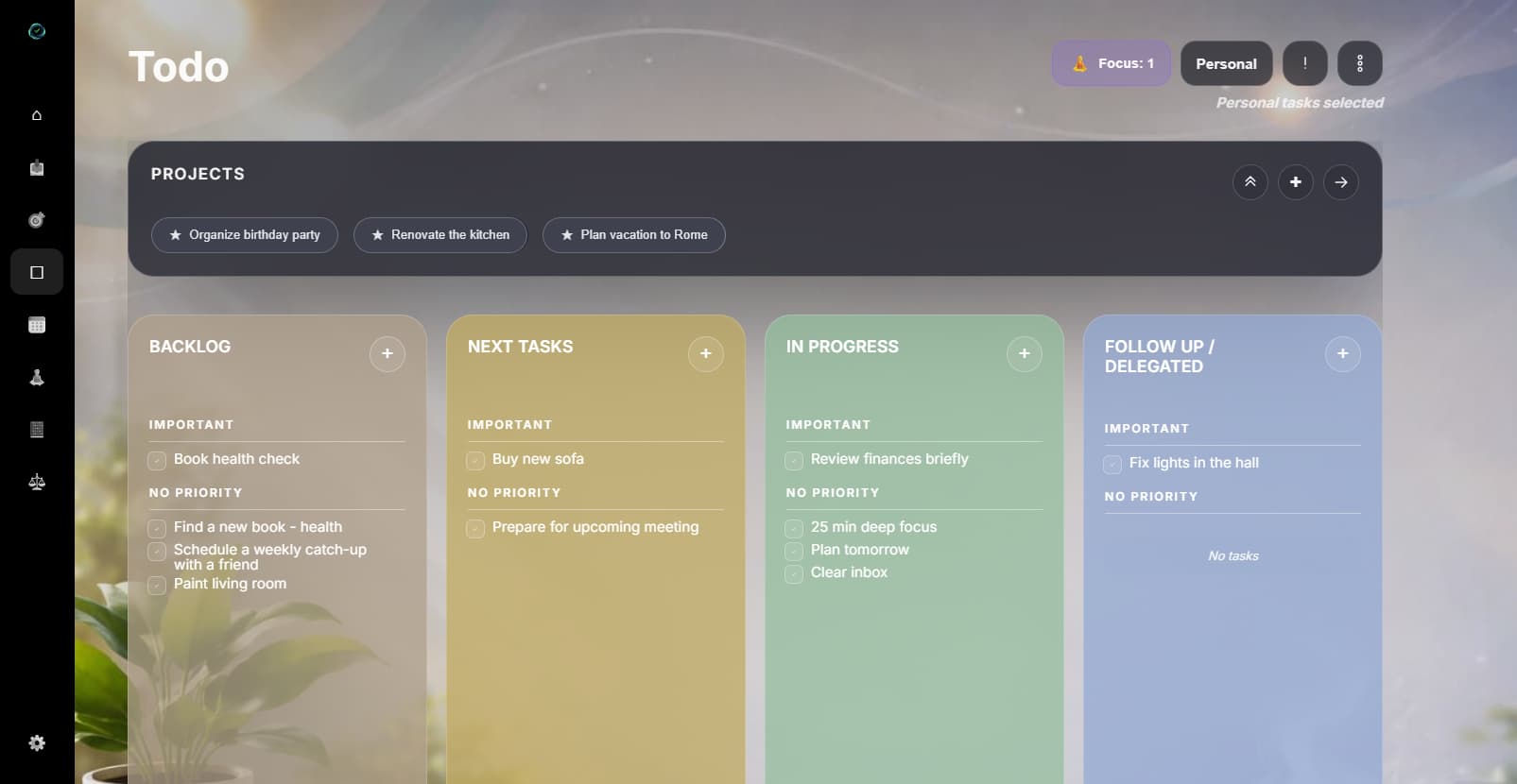
Projects
Group related tasks into projects. Create a new project from the settings menu and assign tasks to it.
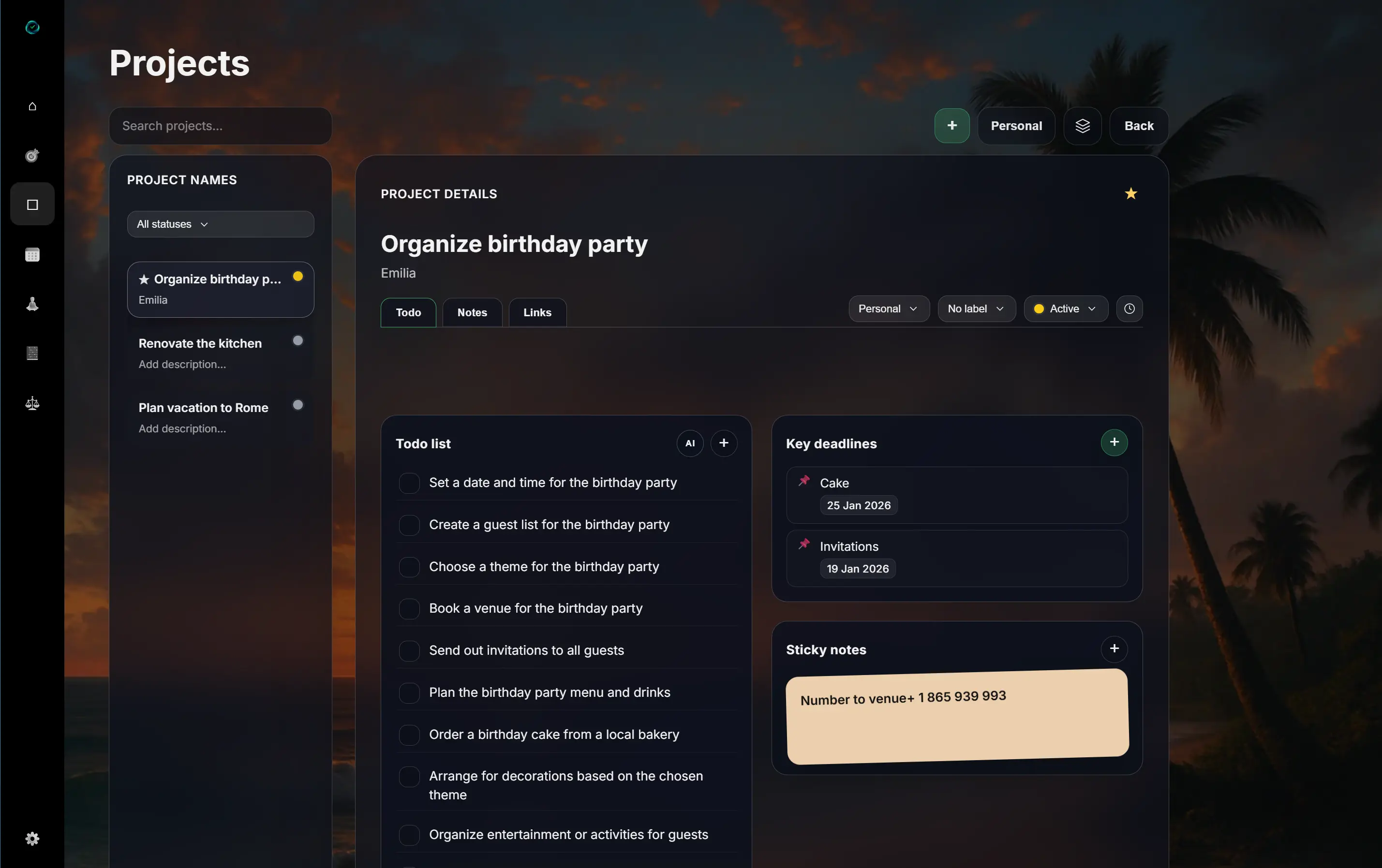
Focus Room
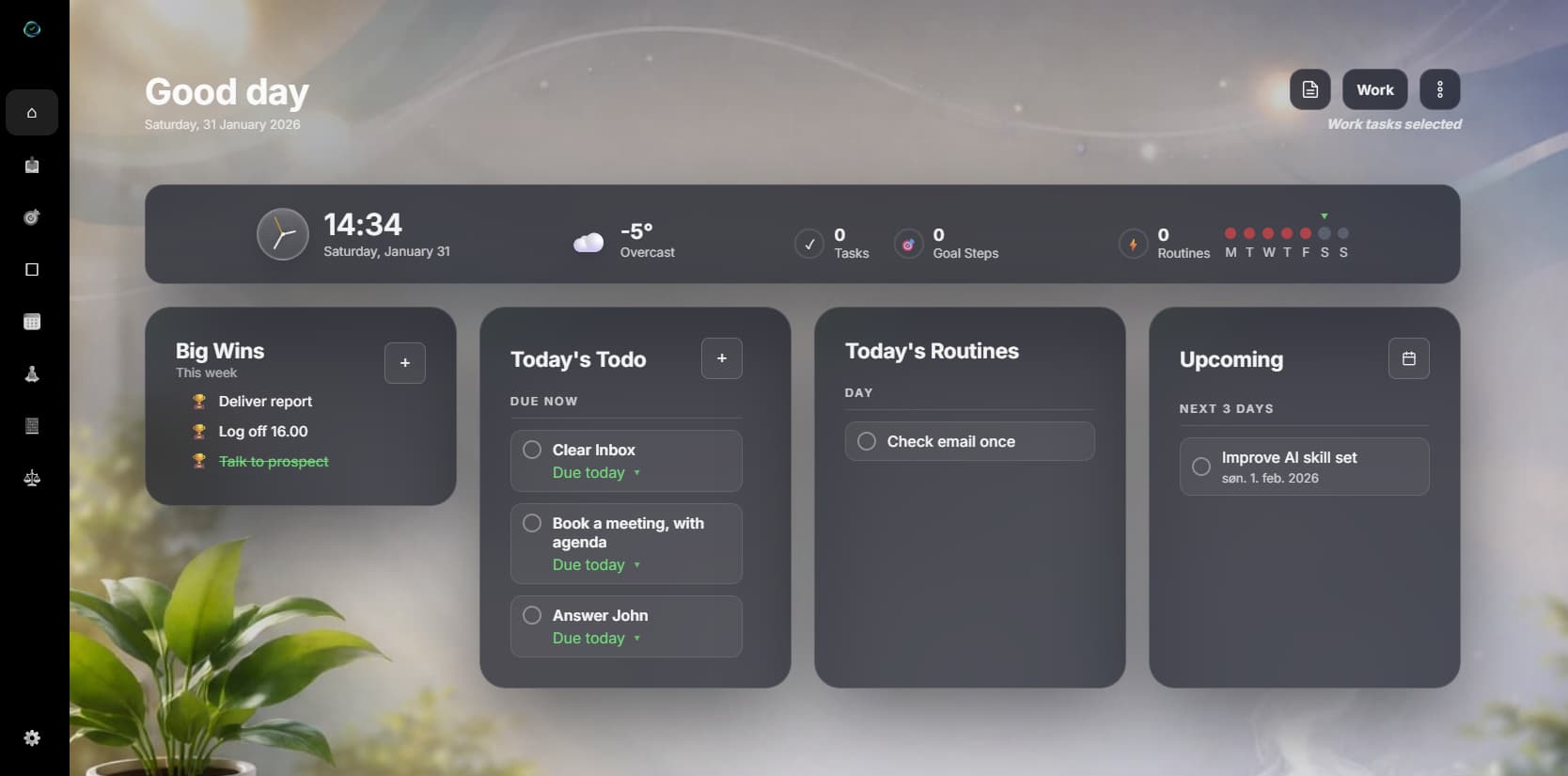
Enter the Focus Room for a distraction-free view of today's tasks. Perfect for deep work sessions where you need full concentration.
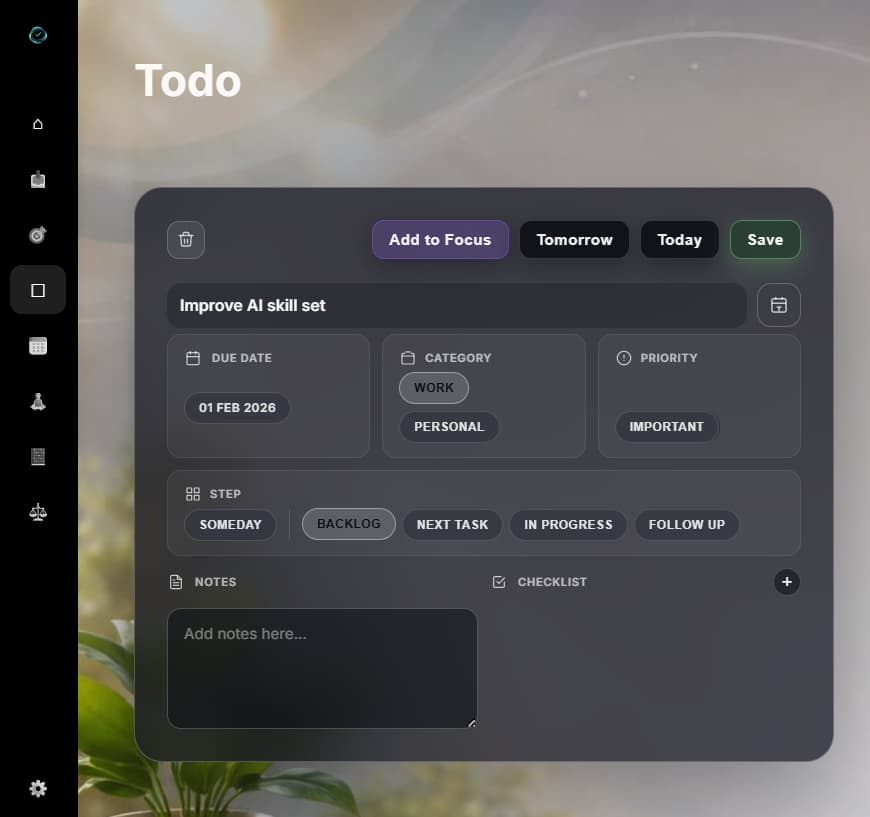
Categories and filters
Switch between Work and Personal with one click. Use the Important filter to only see high-priority tasks.
Ready to organize your tasks?
Start by adding your first tasks in EasyLife – completely free, no credit card required.